Plan a week your team can actually finish
QAI raises recurring and meter-driven work on its own, then shows you what every technician is already carrying before the next job goes out. Overloaded weeks are visible on Monday, not discovered on Thursday.
Three ways work reaches the schedule
Planning that holds up on Thursday
Five things a maintenance schedule has to survive, and what QAI does about each one.
See what the week already holds before you add to it
Every technician’s scheduled hours sit against their weekly capacity, day by day. You know who is at forty hours and who is at twelve before the next job is assigned, instead of finding out when something gets missed.
Move one job and the week rebalances
Drag a job off an overloaded technician onto someone with room. The hours move with it and both weeks recalculate as you drop it, so an unworkable Monday takes a minute to fix rather than an afternoon.
Schedule on hours run, not days passed
A pump that ran flat out this month is due before one that sat idle. Set the threshold on the meter and the service is raised when the reading crosses it, so machines are maintained on the work they have actually done.
Know what a week of work costs before you commit to it
Scheduled hours carry each person’s rate, so the plan has a number attached to it. You can price a week of maintenance before it runs, and account for it afterwards against the hours that were really logged.
The plan stays honest once the work starts
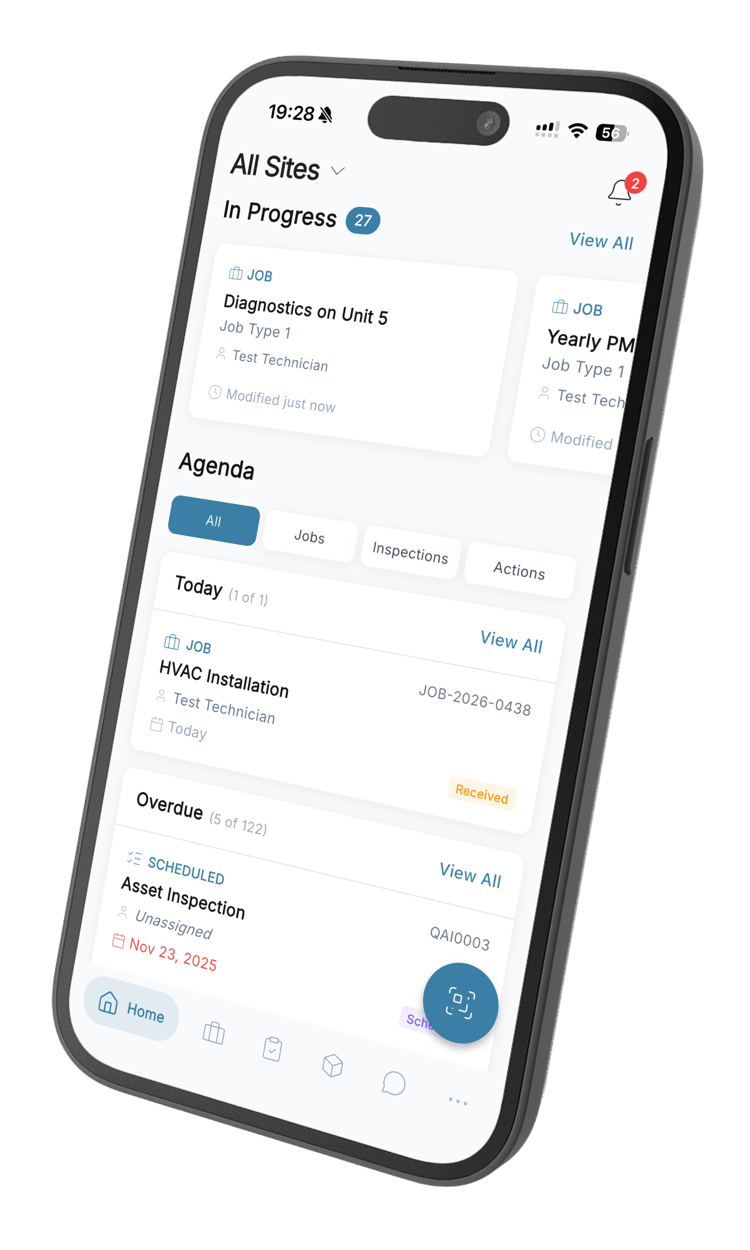
Technicians open the job on their phone, log time against it, attach photos and close it out on site. Every estimate you make next week is built on what the work actually took, not on what someone guessed it would.
What the scheduler gives you
Recurring schedules
Set an interval once and the next job is created for you when the last one is closed. Daily, weekly, monthly, or a custom number of days.
Meter-based triggers
Raise work when a reading goes above, below, between or outside the values you set, on any meter you track against the asset.
Capacity per person
Weekly and daily hour limits for every technician, with their scheduled hours shown against those limits across the whole week.
Drag-and-drop rescheduling
Move a job to a different technician or a different day by dragging it. The assignment, the date and the hours all follow.
Workload trends
A running view of how each person’s load has moved week to week, so you can see who is quietly climbing before they are buried.
Bulk capacity edits
Change working hours for a group of people at once when a contract, a season or a site’s coverage changes.
Resource planning questions
What teams ask before they move their schedule into QAI.
Still have questions? Contact our sales team
Resource planning is deciding who does which job and when, against the hours those people actually have. In maintenance it means fitting a week of preventive work, inspections and reactive callouts to a team with a fixed number of hours, and making that trade-off visible before the week starts rather than after it falls apart.
Every technician has a weekly and a daily hour capacity on their profile. The capacity view puts their scheduled hours against that limit for each day of the week, so someone who is already committed past their hours is obvious before you assign anything else to them.
Yes. Jobs are dragged between people and between days directly in the capacity view. The assignment, the scheduled date and the hours all move together, and both people’s weeks recalculate as soon as you drop the job.
You set the interval once. When a job is completed the next one is created from its completion date, so a thirty-day service stays thirty days from the work actually being done instead of drifting off an original start date.
Yes. Set a threshold on any meter you track — running hours, kilometres, cycles — and choose whether it fires above, below, between or outside the values you give it. The job is raised when a reading crosses that threshold, independently of the calendar.
Not directly, and we would rather say so than imply otherwise. QAI holds each person’s weekly and daily hour capacity, which you can change individually or in bulk when a pattern changes, but it does not keep shift rosters or leave records. Teams that need those usually hold them in their HR system and reflect the result by lowering that person’s capacity for the period.
Yes. Every job carries its client and site, and both are shown on the job as you schedule it, so a technician covering several buildings has one week rather than one schedule per site.
No. You enter the estimated time on the job yourself. What QAI gives you instead is the logged time on every completed job, so your estimates improve because they are built on your own team’s numbers rather than on a prediction.
Most teams are scheduling within their first week. Import your assets, set a capacity for each technician, and put intervals on the work you already know repeats. Meter thresholds and the rest can be added as you go — nothing has to be complete before the schedule is useful.
Build next week’s schedule in an afternoon
Start free, set capacity for your team, and see the whole week before you commit to it.
From R216 per user per month · 14-day free trial · No credit card