Every document, and the answer inside it
Put every manual, procedure and certificate in one place and link it to the asset, job or site it belongs to — so the person standing at the machine can ask a plain question and get the answer, with the page it came from.
Where your documents should have been all along
Five things that change once the files live with the work.
One place instead of six
Ditch the printed folder in the workshop and the PDFs on somebody’s laptop. Drop everything into folders your team already thinks in, tag it and search it — so nobody is asking around for the current copy of a procedure that has been revised twice since it was printed.
Put the document where the work is
Link a manual to the machine, a method statement to the job, a spec sheet to the part, a plan to the site. It shows on every one of them, so a technician opening a work order finds the procedure already attached instead of going to look for it.
Always the current version, and every old one
Upload a revision and the previous one does not disappear. You can see what changed and when, and put an earlier version back if the new one was wrong — so there is one copy that is right, and a trail behind it if anyone asks.
Ask across everything you have
Ask a plain question and QAI reads every document you have uploaded, not one file at a time. The answer comes back with the document, the page and the section it was drawn from, and the words themselves quoted — so you can check it in a second rather than take its word for it.
It goes to the machine with them
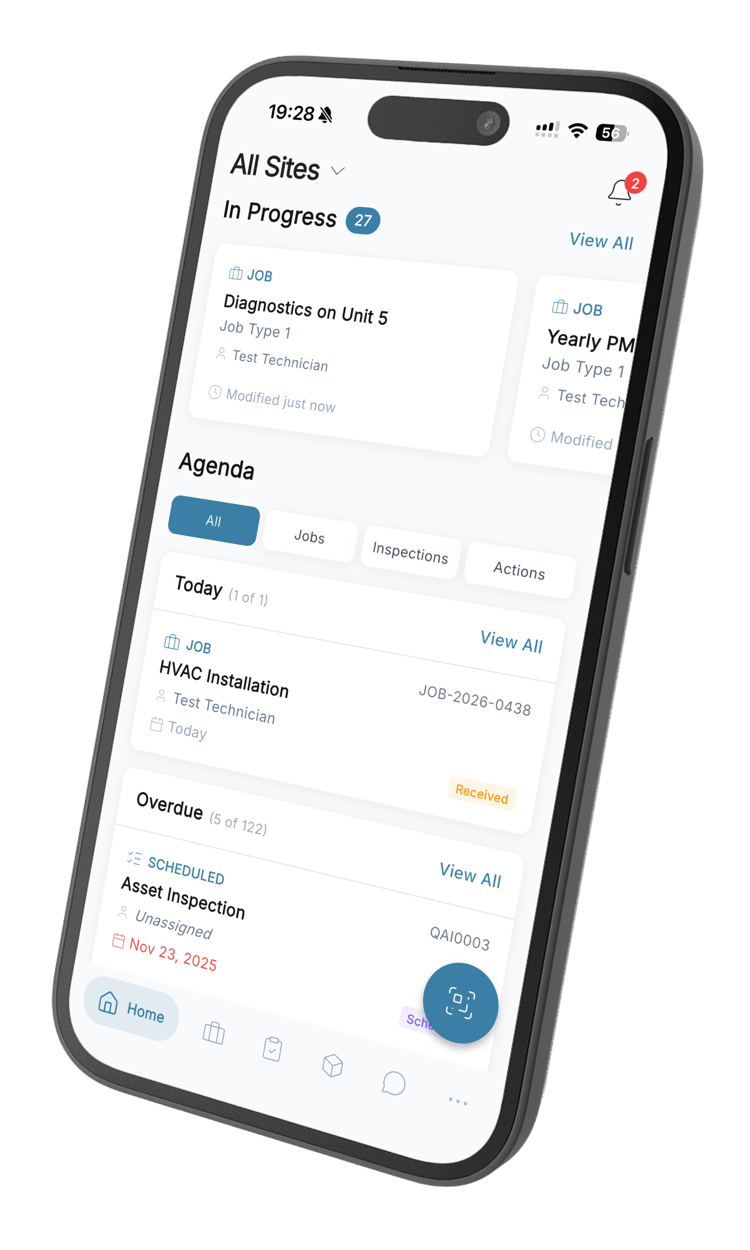
The same library in a hand, reached from the equipment a technician is standing in front of. They open the machine, its documents are already on it, and they can ask a question about them from the same screen — so nobody walks back to the office for a manual.
What comes with it
Folders that nest
Build the structure your team already uses, move things between folders, and keep the path visible so nobody has to guess where a file belongs.
Find it fast
Search by name and narrow by tag or by when it landed, so a file somebody uploaded in March is a few seconds away.
Link it to the work
Attach a document to an asset, a job, a part or a site. It appears on every one of them, and one update reaches them all.
Every version kept
Upload a revision without losing the last one. See what changed and when, and restore an earlier version if you need it back.
Ask your documents
Ask a question across everything you have uploaded and get an answer with the document, the page, the section and the exact words behind it.
On the phone, at the machine
The same library, folders and answers on mobile, so the procedure is in the hand of whoever is doing the work.
Document questions
What teams ask before they move their files into QAI.
Still have questions? Contact our sales team
It puts the procedure, the manual and the certificate where the work is instead of on a shared drive nobody trusts. Files sit in folders your team recognises, attach to the machine or the job they belong to, and keep a version history — so the copy a technician opens is the current one, and you can show which one they opened.
You type the question the way you would say it. QAI reads the documents you have uploaded and answers from them, rather than from the internet. It works on one document at a time or across everything at once, so you do not have to know which file holds the answer before you go looking.
Because it shows you where it came from. Every answer carries the document, the page and the section it drew on, and quotes the words themselves — so checking it takes a second. An answer you cannot verify is worse than no answer, which is why the citation is part of the reply rather than an option.
Yes, and to a part or a site as well. Link it once and it appears on all of them, so a technician opening a work order sees the procedure already there. Update the file and every place it is linked is showing the new version.
You upload the new revision to the same document. The previous version is kept rather than replaced, the history shows what changed and when, and you can restore an earlier version if the new one turns out to be wrong.
Yes. The full library, the folders and the AI answers are all in the mobile app, and documents attached to an asset show up on that asset — so someone standing in front of a machine can open its manual without going back to the office.
Upload them and put them into folders as you go. Most teams start with the handful of documents people actually ask for — the manuals for the equipment that breaks, the procedures that get printed — and add the rest over the first few weeks rather than trying to move everything at once.
Shortly after it is uploaded. QAI processes each document so it can be searched by meaning rather than only by filename, and the document shows its status while that is happening. Once it is ready it is included in every answer across the library.
Stop asking around for the right file
Start free, upload one manual, and ask it a question.
From R216 per user per month · 14-day free trial · No credit card