Never be short of the part that stops the job
QAI follows every part from the shelf to the work order and back. You know what is running low before a technician needs it, which machines are consuming the budget, and how much to reorder based on what you actually used.
Three ways stock moves
Inventory that tells you something before it costs you
Six places a parts store leaks time and money, and what QAI does about each.
Find out a part is running low before the job does
Set a minimum level and a reorder point on the parts that matter, and QAI keeps a live list of everything that has fallen through. You order from a list you can see, instead of finding the shelf empty with the machine already stripped.
Order what you will actually use
Every issue to a work order builds twelve months of history on that part. QAI turns it into an average monthly draw and a projection for the period ahead, so you order against real consumption and your supplier’s lead time rather than a guess that ends in either a stockout or a shelf full of capital.
Scan the part, not the spreadsheet
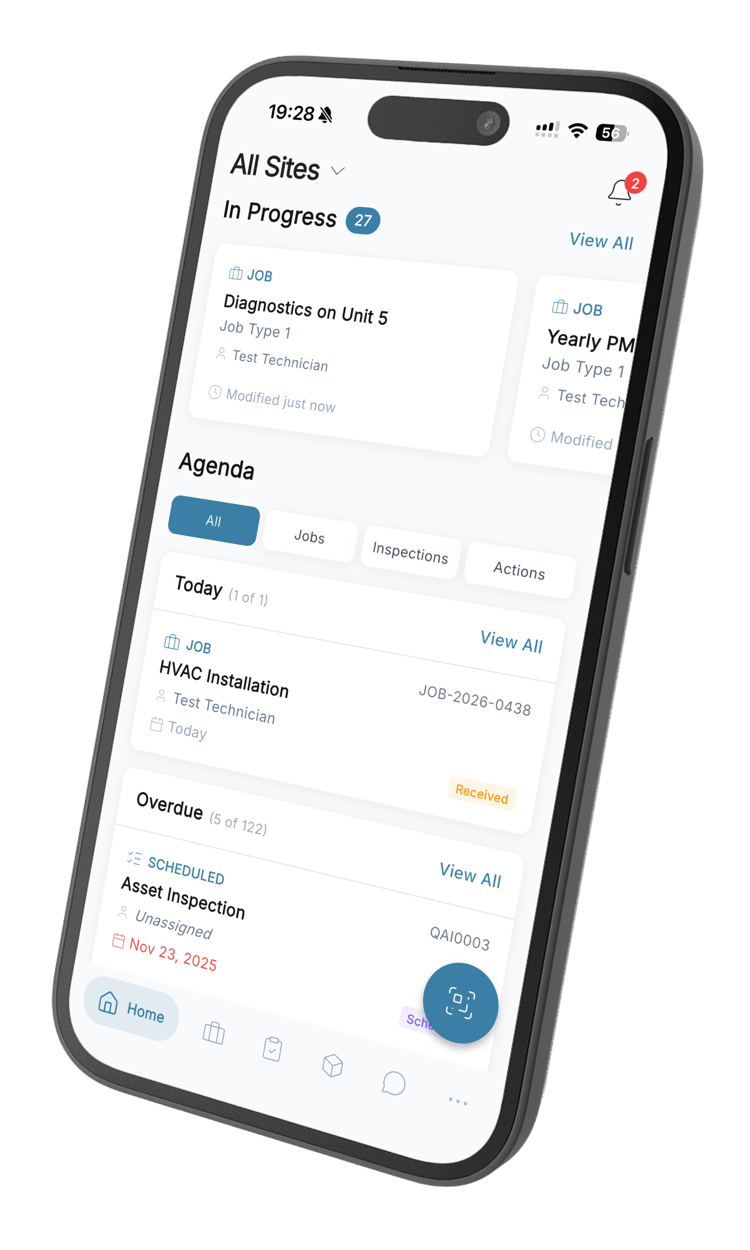
Every part carries a QR code and a barcode. A technician scans it to open the record, take what they need onto the job, or correct the count when the shelf and the system disagree. The number moves at the moment the part does, not when someone gets back to a desk.
Know which shelf, at which site
Stock is held per site and per storage location, not as one company-wide figure. You can see there are four in Durban and none in Cape Town before you promise a technician something that is a day’s drive away.
Purchasing that stays attached to the part
Raise an order against a vendor, send it through approval, and receive it back into stock line by line. Quantities land on the part when the delivery does, so the shelf and the system stop drifting apart between stocktakes.
See which machines are eating the parts budget
Usage is recorded against the job and the asset it was fitted to, so you can group spend by asset type and see what each class of machine costs you in parts. That is the number that settles an argument about replacing a machine instead of feeding it.
What sits behind every part
Complete part records
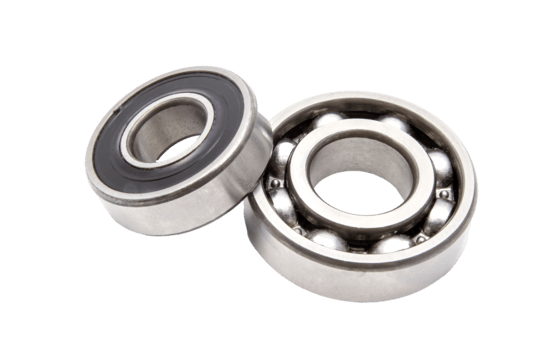
Part and manufacturer numbers, category, unit of measure, cost, preferred vendor, and the asset types the part fits.
Your own fields
Add attributes like voltage, thread or packaging and filter the catalogue by them. QAI offers back keys and values you have already used, so the list stays clean.
QR and barcode scanning
Every part carries both. Scan one to open the record, issue it to a job, or correct a count without typing a part number.
Reorder points
A minimum level, a reorder point and a reorder quantity on each part, with a live list of everything currently below the line.
Purchase orders and vendors
Vendors with lead times and payment terms, orders that pass through an approval step, and receiving that writes straight back to stock.
Movement history
Every receipt, issue and correction on a part in one timeline, with the job and the person behind each one.
Parts inventory questions
What teams ask before they move their store into QAI.
Still have questions? Contact our sales team
A CMMS keeps one record per part — what it is, where it sits, how many you have and who supplies it — and connects that record to the work that consumes it. Because parts come off the shelf through work orders, the count stays right without anyone maintaining a separate spreadsheet, and you can see what each machine has cost you in parts.
Technicians add the parts they used to the work order. Those quantities come off the part as the job records them, so the count reflects the shelf rather than the last time somebody did a stocktake. Receipts from a purchase order add back the same way, and manual corrections are recorded as their own movement with a reason attached.
Yes. Each part can carry a minimum level, a reorder point and a reorder quantity. QAI keeps a live list of everything currently below its reorder point, so the parts that need ordering are a list you look at rather than something you have to remember.
QAI builds usage history on every part from the work orders that consumed it, and turns that into an average monthly draw and a projection over a period you choose. Set against the lead time on the vendor record, that gives you a defensible order quantity based on what you actually used rather than a rule of thumb.
Every part can carry a barcode and a QR code. Scanning one from a phone opens the part directly, which is how technicians issue stock to a job or correct a count at the shelf instead of writing a number down and typing it in later. It removes the transcription step, which is where most inventory errors come from.
Yes. Stock is held per site and per storage location within a site, so a part can show four at one site and none at another instead of one company-wide number that hides the problem. Note that QAI shows you where stock is, but does not move it between sites for you — a transfer is recorded as stock leaving one location and arriving at another.
Yes. Beyond the standard fields, each part takes free-form attributes — voltage, thread size, packaging, whatever you track — and you can filter the catalogue by them. QAI suggests keys and values already in use so that five people do not create five spellings of the same attribute.
Stop losing a day to a part nobody ordered
Start free, load your parts, and see what is below its reorder point in the first afternoon.
From R216 per user per month · 14-day free trial · No credit card