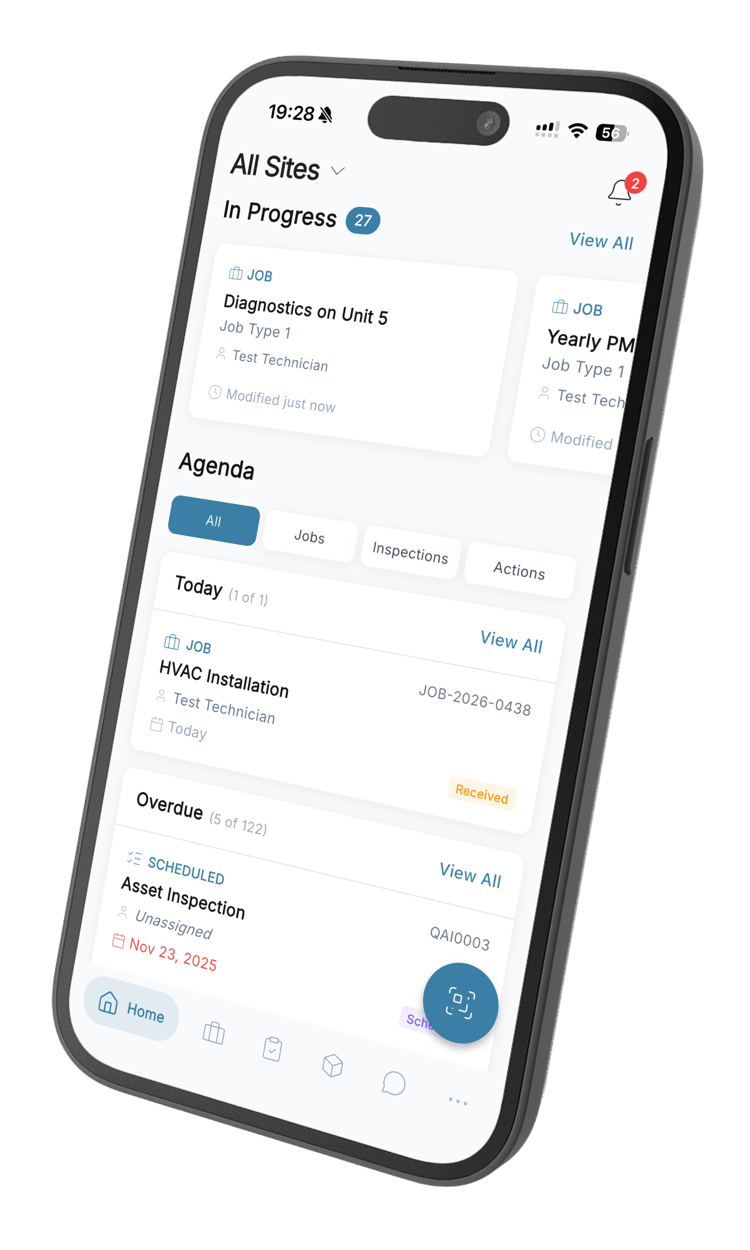
Stop running your day out of WhatsApp groups
Your team is already messaging each other all day — about jobs, about parts, about who is where. QAI puts that conversation inside the system that holds the work, so the context stays with the company instead of walking out on somebody’s personal phone.
Everything the group chat was never going to do
Five moments where a proper messenger earns its place on a maintenance team.
One place, and everyone is already in it
Team channels for the crews that work together, direct messages for everything else. New people arrive with the history already there, and the ones who leave do not take three years of context with them. Nobody has to be added to five groups on their first morning.
Say it while you are standing at the machine
Describing a fault by thumb-typing on a cracked screen with gloves on is how detail gets lost. Hold the button, say the thing, let go. It lands as a voice note the rest of the team can play back at the desk, on the road, or three weeks later.
When it needs a voice, not another message
Some things are four rounds of back-and-forth and some things are forty seconds of talking. Start a voice or video call from the conversation you are already in, and when it ends the conversation keeps a line saying it happened — so the day can still be reconstructed afterwards.
Find the thing somebody sent you in March
The serial number, the photo of the plate, the supplier’s answer about the warranty. It was in a message; you just cannot remember whose. Search the whole history you have access to, then narrow it to the week you think it was, or to the messages that had something attached.
Stop asking whether the message landed
Half the follow-up calls on a maintenance team happen because nobody knows whether the first message was seen. Here you watch it get delivered, watch it get read, and watch the reply being typed — so you stop chasing and get on with something else.
What comes with it
Channels and direct messages
Team channels for crews and sites, one-to-one messages for everything else, each carrying its own unread count.
Voice notes
Record, send and play back inside the conversation, with a waveform so a long note is easy to scrub through.
Voice and video calls
Call anyone in your organisation from the thread you are already in, with mute and camera controls.
Search across conversations
Look through everything you have access to and narrow by conversation, by date range, or to messages with attachments.
Photos and documents
Send photos, PDFs, spreadsheets and documents straight into the conversation.
Delivery you can see
Read receipts, typing indicators and who is online right now.
Messenger questions
What teams ask before they move the conversation into QAI.
Still have questions? Contact our sales team
Because otherwise the conversation about the work and the record of the work end up in two different places. When a team talks in a personal WhatsApp group, the context lives on people’s phones and it leaves when they do. Keeping it in QAI means the same colleagues, the same organisation, and a history that belongs to the company.
Everyone in your organisation is already in it, so nobody has to be added to five groups or have their personal number passed around. Conversations sit in team channels and direct messages instead of one long scroll, you can search the whole history, and when somebody leaves their access ends with their account rather than lingering in a group nobody remembers to clean up.
Yes. The messenger is in the QAI mobile app as well as the web app, with push notifications so a message reaches somebody who is not sitting at a screen. The conversations are the same on both — start something on a phone at a site and carry on at a desk.
Yes. Hold the button, talk, let go, and it lands in the conversation as a voice note with a waveform so a long one is easy to scrub through. It is usually the fastest way to describe a fault when you are standing in front of it with gloves on.
Yes — voice and video, started from the conversation you are already in, with mute and camera controls. When a call ends the conversation keeps a line saying it happened, so somebody looking back at the day can see there was a call even if they were not on it.
Yes. Search runs across the conversations you have access to, and you can narrow it by conversation, by date range, or to just the messages that carried an attachment — usually the quickest way back to a photo or a document somebody sent months ago.
Messages are encrypted in transit and at rest, and every conversation is scoped to your organisation and enforced on the server rather than in the browser. People see the conversations they are part of, and access ends when their account does.
Yes. Push notifications carry new messages and incoming calls to the phone, so somebody out on a site is reachable without keeping the app open. Unread counts are waiting on each conversation when they come back.
Get the team talking where the work already is
Start free. Everyone in your organisation gets the messenger, on the web and on their phone.
From R216 per user per month · 14-day free trial · No credit card